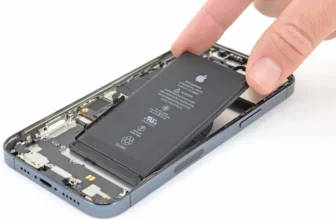
If your iPhone 12 Pro battery drains too fast, you’re not alone. Over time, every iPhone battery starts losing power. You go from a full-day phone to something that barely survives a few hours.
...
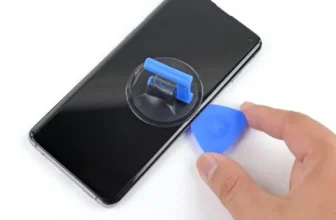
A cracked screen can feel like the end of your phone’s life. Your Samsung Galaxy S10+ still works, but the broken display makes everything frustrating.
The good news? You don’t need a new phone. ...
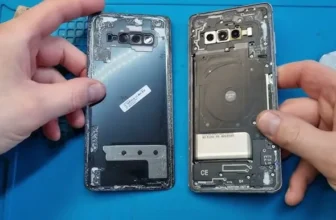
If your Samsung Galaxy S10+ can’t survive a full day anymore, you’re not alone. Over time, every smartphone battery gets weaker. You start charging it again and again, and it becomes frustrating.
...
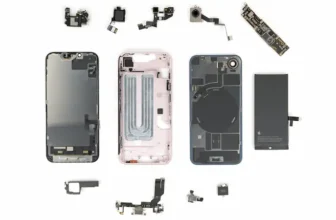
If you thought every new iPhone means buying a whole new device, the iPhone 17e might surprise you.
At first glance, it looks like a small upgrade over the iPhone 16e. But once you go inside the ...
Ever wondered what happens when your expensive phone breaks?
Let’s be honest—most of us love new features. But we rarely ask an important question: can this phone actually be repaired easily?
...
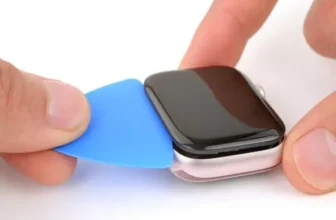
If your Apple Watch Series 9 screen is cracked, unresponsive, or damaged, replacing the display can restore full functionality without buying a new smartwatch. While the repair requires patience and ...
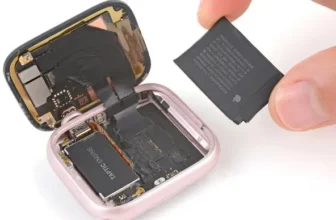
If your Apple Watch Series 9 battery drains quickly, shuts down unexpectedly, or battery health has dropped below 80%, replacing the battery can restore performance and extend the life of your ...
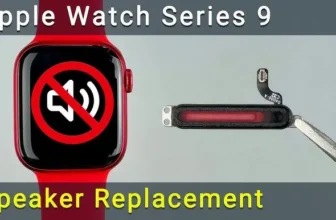
If the speaker on your Apple Watch Series 9 is not working, produces distorted sound, or you can’t hear calls and notifications clearly, the issue is usually caused by a damaged or faulty speaker ...
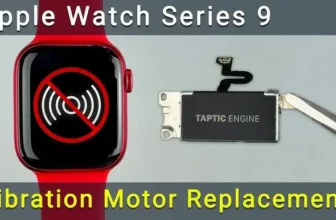
If your Apple Watch Series 9 vibration or haptic feedback stops working, you may miss notifications, alarms, or silent alerts. This issue is usually caused by a faulty vibration motor, and ...
If your Apple Watch Ultra is not charging, showing incorrect heart-rate readings, or has a cracked back cover, the problem is often related to the back cover assembly. This component contains ...
A cracked or broken display on the Apple Watch Ultra can make the device difficult — or even impossible — to use. The good news is that you don’t always need to replace the entire watch. With the ...
If your Apple Watch Ultra battery drains quickly, shuts down unexpectedly, or shows poor battery health, replacing the battery can restore performance and extend the life of your device.
In this ...
If your iPhone 16 Pro Max Face ID is not working, disabled, or the front camera has stopped functioning, the issue is usually related to a damaged Face ID module. This module contains multiple ...
If your iPhone 16 Pro Max charging port is not working, charging intermittently, loose, or completely damaged, you don’t necessarily need a new phone. In many cases, replacing the charging port ...
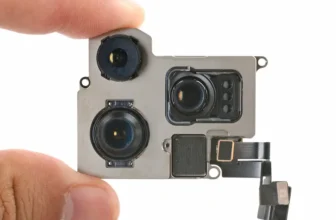
If your iPhone 16 Pro Max rear camera is not working, showing a black screen, failing to focus, or crashing when opening the camera app, the problem is often caused by a damaged camera module. ...