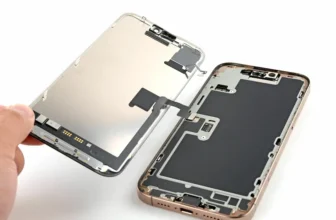
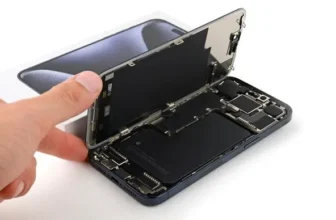
If your iPhone 16 Pro Max screen is cracked, broken, or not responding to touch, you don’t always need to replace the entire phone. With the right tools and careful steps, you can replace the ...
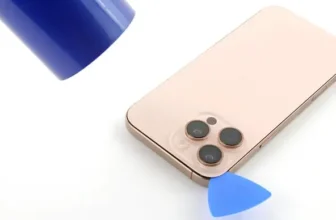
Cracked iPhone 16 Pro Max Back Glass? Here’s How to Replace It
A broken back glass doesn’t just affect the appearance of your iPhone 16 Pro Max — it can also impact wireless charging, microphone ...
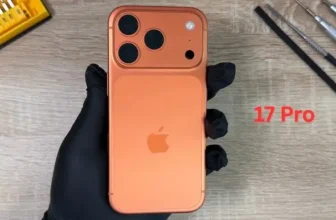
iPhone 17 Pro Screen Broken? Here’s How to Fix It
A cracked or defective screen can make your iPhone 17 Pro difficult — or impossible — to use. Whether your display is shattered, touch is ...
iPhone 17 Pro Charging Problems — What Causes Them?
If your iPhone 17 Pro refuses to charge properly, charges only at a certain angle, keeps disconnecting, or shows the charging icon without ...
If your iPhone 17 Pro front camera shows a black screen or Face ID stops working with errors like “Face ID Not Available”, “Face ID Disabled”, or TrueDepth camera problem detected, the issue is ...
If your iPhone 17 Pro stopped vibrating, haptic feedback feels weak, or you don’t get vibration for calls and notifications, the issue is likely a faulty Taptic Engine (vibration motor).
In this ...
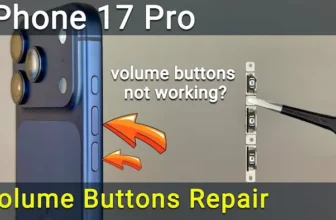
If your iPhone 17 Pro volume buttons are stuck, not clicking, or completely unresponsive, the issue is usually a damaged volume button flex cable. Whether Volume Up isn’t working, Volume Down fails ...
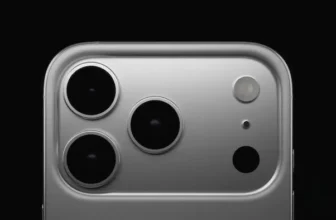
If your iPhone 17 Pro rear camera shows a black screen, fails to focus, captures blurry photos, or the image starts shaking or buzzing, the camera module may be faulty. In this step-by-step guide, ...
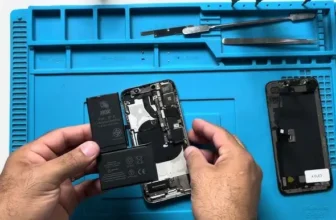
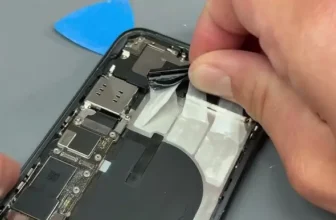
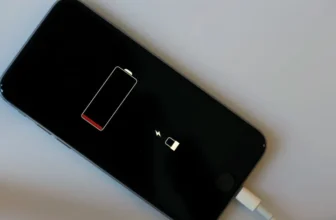
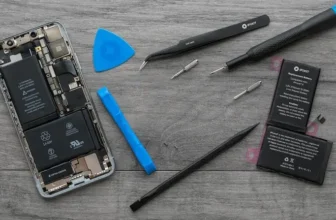
If your iPhone X battery drains fast, shuts down unexpectedly, or battery health has dropped below 80%, it may be time for a replacement. In this complete guide, you’ll learn how to disassemble ...
If your iPhone XR battery health has dropped, drains quickly, or shows the “Important Battery Message” or “Unknown Part” error, this complete guide will help you replace and calibrate the battery ...
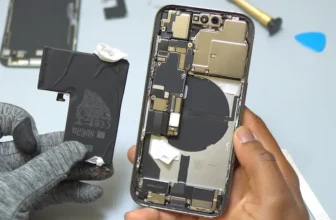
If your iPhone 11 Pro Max battery health has dropped significantly or your phone drains quickly, replacing the battery can restore performance and backup time. In this detailed guide, you’ll learn ...
If your iPhone 12 Pro Max battery health has dropped below 80% or your phone drains quickly, it may be time for a replacement. In this complete guide, we’ll show you how to replace the iPhone 12 Pro ...
If your iPhone 14 Pro Max battery is draining quickly or showing reduced performance, replacing the battery can restore your phone’s battery life and reliability. In this detailed guide, you’ll ...
If your iPhone 13 Pro Max is showing fast battery drain or reduced battery health, it’s time for a replacement. This guide will walk you through safely removing the old battery, installing a new ...
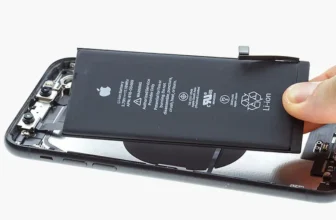
If your iPhone 15 Pro Max is experiencing fast battery drain or shows a battery health below 80%, it’s time for a replacement. This comprehensive guide will walk you through safely removing the old ...