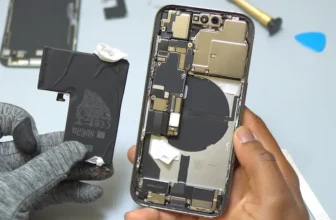
If your iPhone 17 Pro rear camera shows a black screen, fails to focus, captures blurry photos, or the image starts shaking or buzzing, the camera module may be faulty. In this step-by-step guide, ...
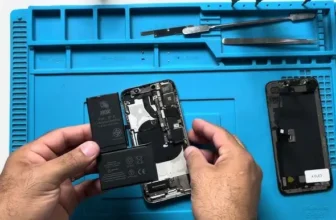
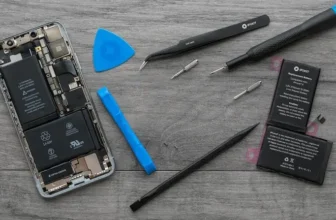
If your iPhone X battery drains fast, shuts down unexpectedly, or battery health has dropped below 80%, it may be time for a replacement. In this complete guide, you’ll learn how to disassemble ...
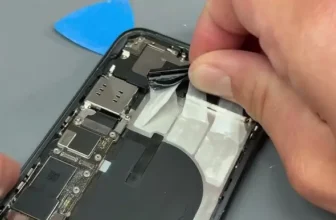
If your iPhone XR battery health has dropped, drains quickly, or shows the “Important Battery Message” or “Unknown Part” error, this complete guide will help you replace and calibrate the battery ...
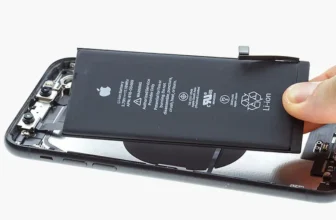
If your iPhone 11 Pro Max battery health has dropped significantly or your phone drains quickly, replacing the battery can restore performance and backup time. In this detailed guide, you’ll learn ...
If your iPhone 12 Pro Max battery health has dropped below 80% or your phone drains quickly, it may be time for a replacement. In this complete guide, we’ll show you how to replace the iPhone 12 Pro ...
If your iPhone 14 Pro Max battery is draining quickly or showing reduced performance, replacing the battery can restore your phone’s battery life and reliability. In this detailed guide, you’ll ...
If your iPhone 13 Pro Max is showing fast battery drain or reduced battery health, it’s time for a replacement. This guide will walk you through safely removing the old battery, installing a new ...
If your iPhone 15 Pro Max is experiencing fast battery drain or shows a battery health below 80%, it’s time for a replacement. This comprehensive guide will walk you through safely removing the old ...
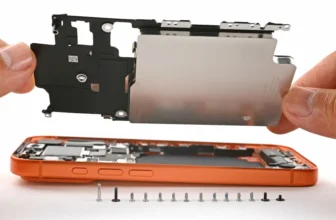
If your iPhone 16 Pro Max is showing reduced performance or the battery maximum capacity has dropped below 80%, it’s time to replace your battery. In this guide, we’ll walk you through the full ...
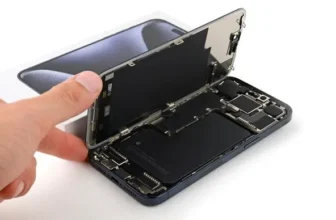
If your iPhone 17 Pro battery is draining fast, shutting down unexpectedly, or showing a Battery Health service warning, replacing the battery can restore full performance.
In this guide, you’ll ...
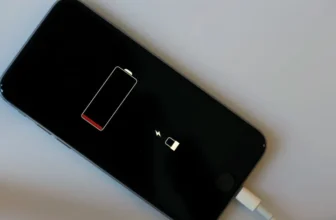
If your iPhone 17 Pro Max is losing charge faster than it should, the cause could be software, environment, or hardware. Here's how to figure out which one and fix it.