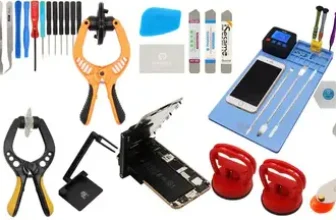
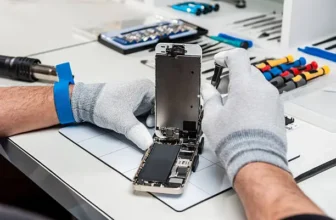
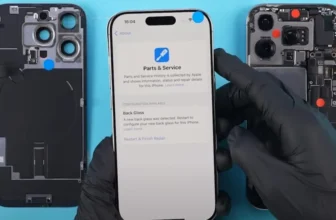
If this is your first time trying to fix an iPhone, it can feel a bit scary.
You might be wondering:“What if I break something?”“What tools do I even need?”
Don’t worry—you’re not alone. Every ...
Repairing your own iPhone sounds like a smart idea. You save money, fix your device quickly, and feel a bit like a tech expert.
But here’s the truth: it’s not as simple as it looks.
Yes, most ...
A cracked or damaged iPhone screen can feel frustrating. Your phone may still work, but using it becomes annoying and sometimes even risky.
The good news? You don’t need to replace your entire ...
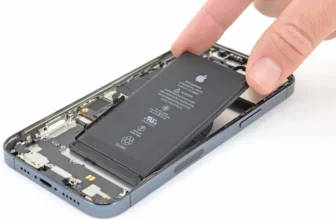
If your iPhone 12 Pro battery drains too fast, you’re not alone. Over time, every iPhone battery starts losing power. You go from a full-day phone to something that barely survives a few hours.
...
If you thought every new iPhone means buying a whole new device, the iPhone 17e might surprise you.
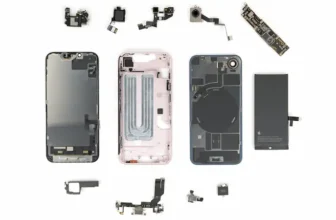
At first glance, it looks like a small upgrade over the iPhone 16e. But once you go inside the ...
If your iPhone 16 Pro Max Face ID is not working, disabled, or the front camera has stopped functioning, the issue is usually related to a damaged Face ID module. This module contains multiple ...
If your iPhone 16 Pro Max charging port is not working, charging intermittently, loose, or completely damaged, you don’t necessarily need a new phone. In many cases, replacing the charging port ...
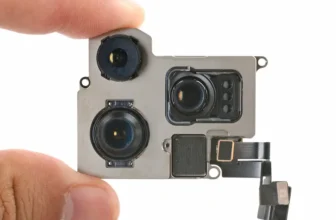
If your iPhone 16 Pro Max rear camera is not working, showing a black screen, failing to focus, or crashing when opening the camera app, the problem is often caused by a damaged camera module. ...
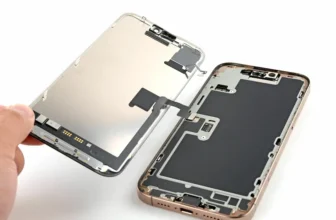
If your iPhone 16 Pro Max screen is cracked, broken, or not responding to touch, you don’t always need to replace the entire phone. With the right tools and careful steps, you can replace the ...
Cracked iPhone 16 Pro Max Back Glass? Here’s How to Replace It
A broken back glass doesn’t just affect the appearance of your iPhone 16 Pro Max — it can also impact wireless charging, microphone ...
iPhone 17 Pro Screen Broken? Here’s How to Fix It
A cracked or defective screen can make your iPhone 17 Pro difficult — or impossible — to use. Whether your display is shattered, touch is ...
iPhone 17 Pro Charging Problems — What Causes Them?
If your iPhone 17 Pro refuses to charge properly, charges only at a certain angle, keeps disconnecting, or shows the charging icon without ...
If your iPhone 17 Pro front camera shows a black screen or Face ID stops working with errors like “Face ID Not Available”, “Face ID Disabled”, or TrueDepth camera problem detected, the issue is ...
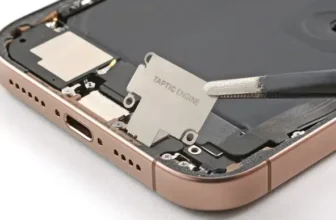
If your iPhone 17 Pro stopped vibrating, haptic feedback feels weak, or you don’t get vibration for calls and notifications, the issue is likely a faulty Taptic Engine (vibration motor).
In this ...
If your iPhone 17 Pro volume buttons are stuck, not clicking, or completely unresponsive, the issue is usually a damaged volume button flex cable. Whether Volume Up isn’t working, Volume Down fails ...